PDF to audiobook · Free on iOS
Turn any PDF into an audiobook
Upload a PDF and SmartRead converts it into a chaptered audiobook narrated by lifelike AI voices. Listen to reports, textbooks, papers, and ebooks on your commute — hands-free.
From document to audio in three steps
Upload your file — PDF, EPUB, MOBI, TXT, DOCX, or PPTX — SmartRead parses the text and detects chapters automatically.
AI narrates it — Natural neural voices read your document aloud, with an optional AI summary that gets you the key ideas first.
Listen anywhere — Play it in the car, at the gym, or on a walk. Control everything with your voice and ask questions as you listen.
More than a PDF reader that talks
Real chapters, not one long file
SmartRead keeps your document's structure, so you can skip between chapters like a real audiobook.
Lifelike AI voices
Neural voices in English and Chinese tuned for long-form listening — no robotic monotone.
AI summaries built in
Short on time? Listen to a chaptered summary of the document first, then go deep where it matters.
Ask while you listen
Curious about something you just heard? Ask out loud and get an answer based on your document.
PDF to audiobook — common questions
How do I turn a PDF into an audiobook?
Download SmartRead on iPhone, upload your PDF, and the app converts it into a chaptered audiobook with natural AI narration. It usually takes just a few minutes.
What file formats can I convert to audio?
SmartRead supports PDF, EPUB, MOBI, TXT, DOCX, and PPTX files.
Is PDF to audiobook conversion free?
SmartRead is free to download on the App Store and you can start converting and listening for free.
Can I listen to my PDF while driving?
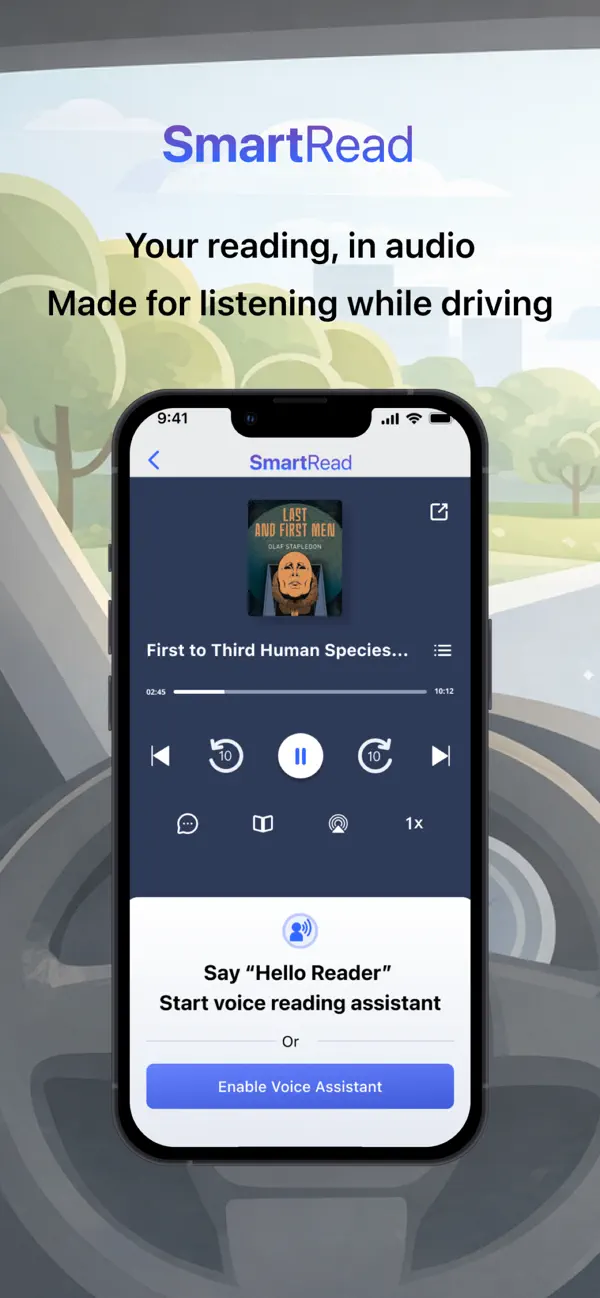
Yes — SmartRead is built for the car. Voice commands control playback, so your hands stay on the wheel.